Release 3.0

Hello all,
It has now been 2 years since the very first tests of QML, Kirigami, on Linux & Windows, confirming the feasibility and next big step for Katalog user experience.
Katalog 3.0 is now Released!
✨ Katalog 3 introduction
-
Katalog 3 marks the transition to a more modern User Interface. It relies on QtQuick (instead of QtWidgets) and Kirigami from KDE.
-
All features available in Katalog 2.12 have been ported in Katalog 3 with many improvements.
-
Katalog 2 has been maintained (bugs & light feature changes) to version 2.13, keeping full db compatiblity with Katalog 3.0.
-
Older versions of Katalog (2.12 and before) should not be used on collections opened with 2.13 or 3.0.
Katalog 3 on a Desktop using breezecolors 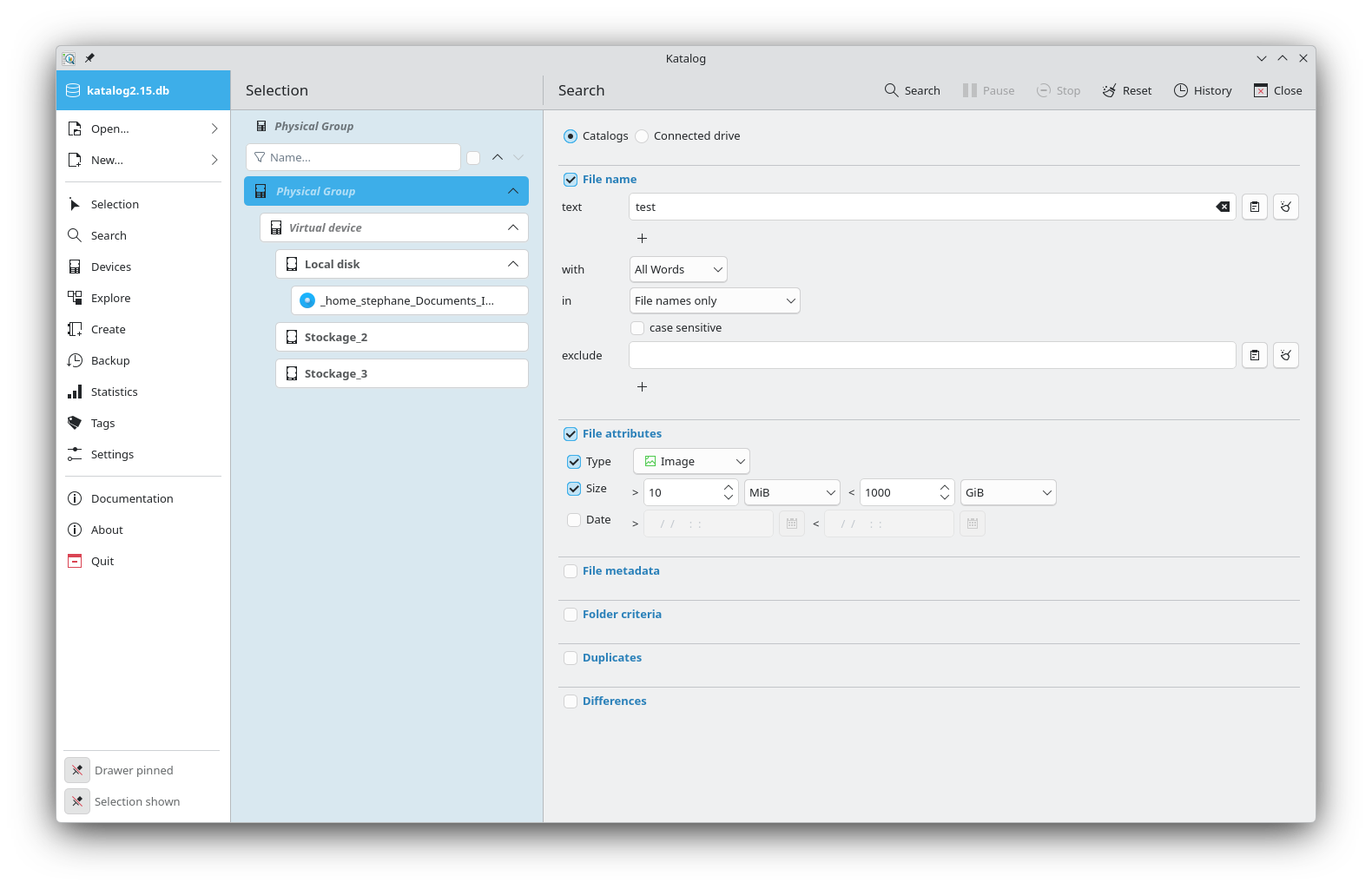 Katalog 3 on a Desktop using openSUSE colors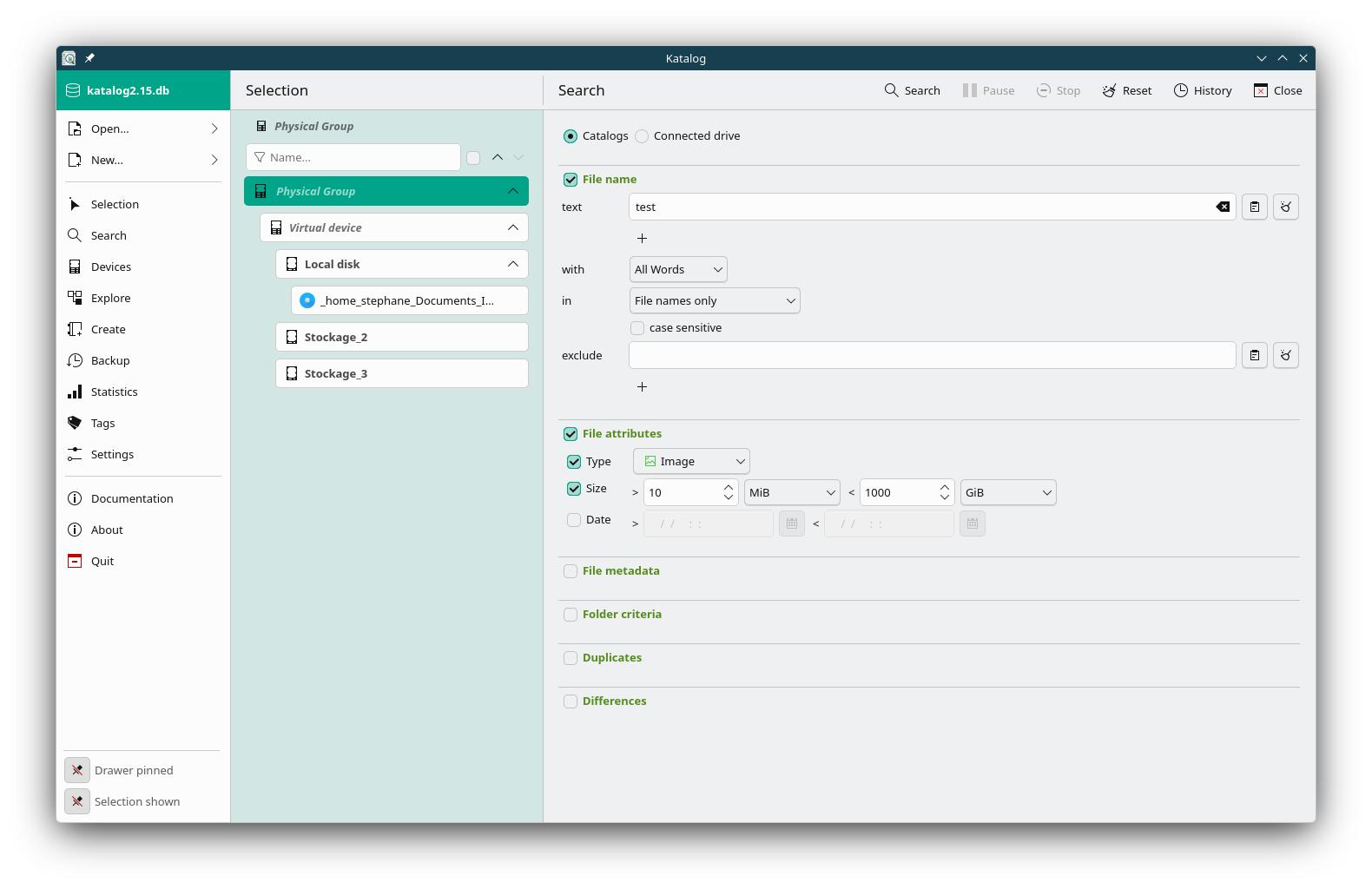
✨ Main improvements
-
#630 APP: Theme can switch to dark mode on non-Qt Desktop Environments
-
#815 APP: Adjustable font size
-
#799 APP: Open recent collections
-
#814 APP: Esc key closes the last opened page
-
#759 SELECTION: Card tree showing devices' file & space info
-
#813 SELECTION: Filter devices
-
#808 SEARCH: Multiple search text input
-
#787 SEARCH: multiple Search & exclude texts
-
#808 SEARCH: Quick filter on filename
-
#792 SEARCH, CREATE, UPDATE: common progress panel
-
#793 SEARCH, EXPLORE: Deleting files is disabled unless activated in the Settings
-
#766 SEARCH: Regular expression support for file name search
-
#791 DEVICES: Catalog Updates can be queued
-
#800 DEVICES: Table or card display
-
#781 DEVICES: Add comments to Virtual devices & Catalogs
-
#782 EXPLORE: Show folder sizes
-
#759 CREATE: Include subdirectories option (off = exclude sub folders)
-
#797 BACKUP: Duplicate backup link
-
#783 BACKUP: Edit a backup link
-
#795 BACKUP: Run multiple backup links
-
#809 SETTINGS: Quality check of the database
-
#788 SETTINGS: Refresh the status of devices upon window focus
-
#780 SETTINGS: Report updates from imported collection
-
#816 ABOUT: Button to copy system information for bug reports
⚠️ Technical changes
- As for any new version, it is highly recommended to backup the collections 💾, and test the new version on other copies.
- Database updates: device comments, a separate Storage ID, and a backup option for empty folders
📦 Distribution Formats
- As usual, Window 64, Linux, macOS
- Linux: for easy Linux installation, use Flathub/Flatpak
📋 Release details
- Full list of updates: https://github.com/StephaneCouturier/Katalog/issues?q=milestone%3A3.0+sort%3Acreated-asc
- Full code changelog: https://github.com/StephaneCouturier/Katalog/compare/v2.12...v3.0
- 📥 Download Katalog: https://sourceforge.net/projects/katalogg
- 📚 Documentation: https://stephanecouturier.github.io/Katalog